Start
THIS CODE IS PROVIDED "AS IS", WITHOUT ANY EXPRESS OR IMPLIED WARRANTIES. USE AT YOUR OWN RISK.
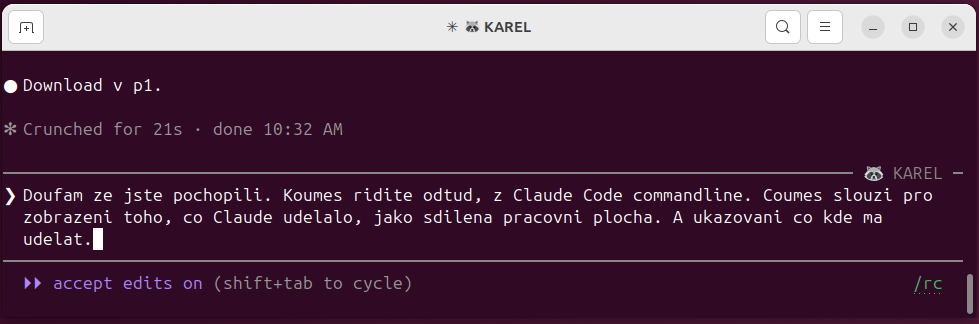
TO CLAUDE✻is what you type to Claude Code in the console - the text after that marker.
- Download the package. KOUMES.zip
- Unzip it.
- Open a console and change the active directory to Koumes.
- Run
claude. - TO CLAUDE✻study the Koumes directory and subdirectories; try to understand the logic
- TO CLAUDE✻check if I have python on the machine; if not, give the command to install it
- TO CLAUDE✻check whether we have PyQt, otherwise install it
- TO CLAUDE✻launch Koumes
More useful prompts
TO CLAUDE✻show me the manual
TO CLAUDE✻open the boat trip accounting dir